
One the threat intelligence items provided by Email Veritas consists of identifying and reporting malicious domains that are similar to your organization domain names and which potentially could be used in targeted phishing attacks. By default, Email Veritas provides this information for your primary domain name supplied when creating your organization account. However, you can extend this service to some of your other domains or subdomains by registering them in the system.
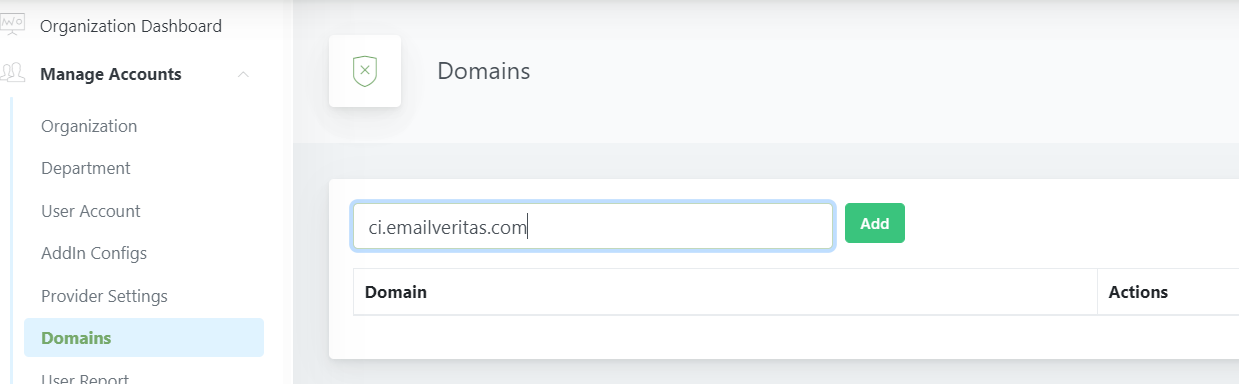
To add a domain to your domain list,
- Select Manage Accounts
- Click Domains
- Add the domain name
- Click Add
To remove a domain from the list,
- Click the Delete icon near the domain name.
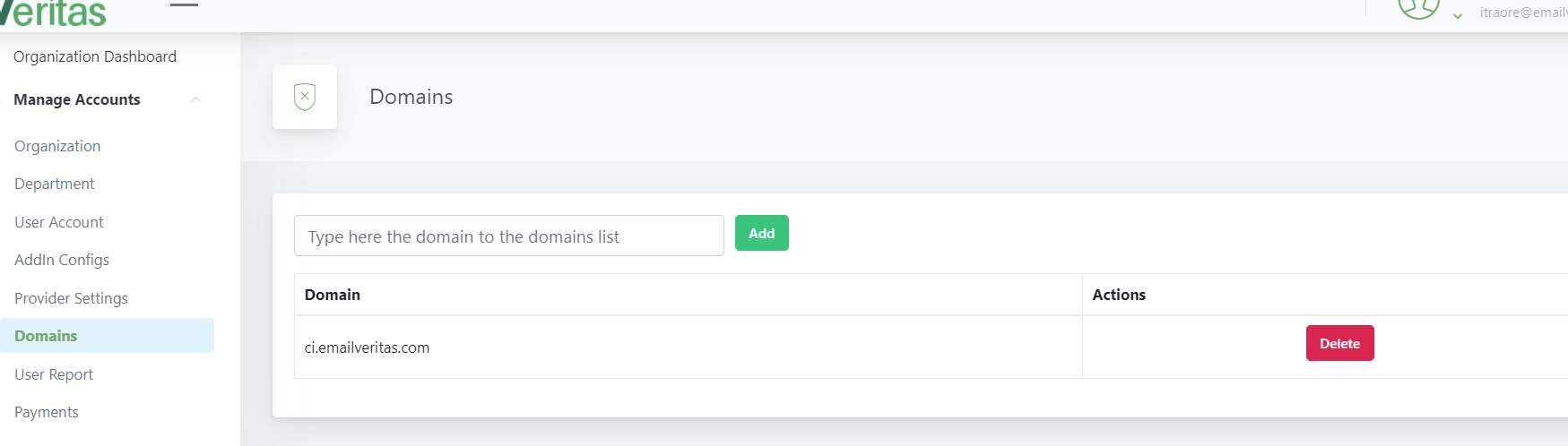
- On the popup, select Delete
